
Our International Bank Verification product instantly validates bank details across 211 countries and territories, and more than 89 banking formats, including both IBAN and non-local IBAN formats.
Before you start, please ensure you have the following details - these fields are mandatory to complete the search:
- Company Registration Identifier (e.g. VAT no., SIREN, EIN)
- Account Number
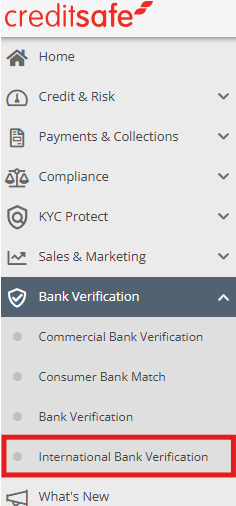
To start, go to the left-hand menu and select International Bank Verification from the Bank Verification dropdown.
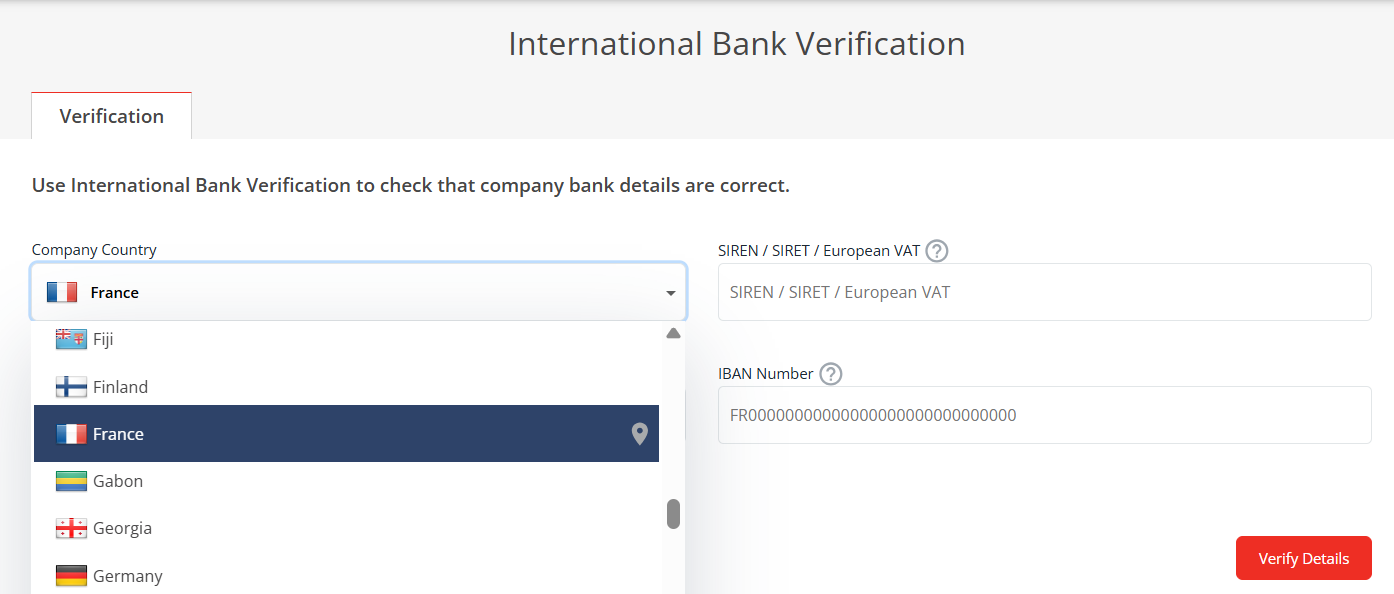
Select where the company is registered in the Company Country dropdown menu.
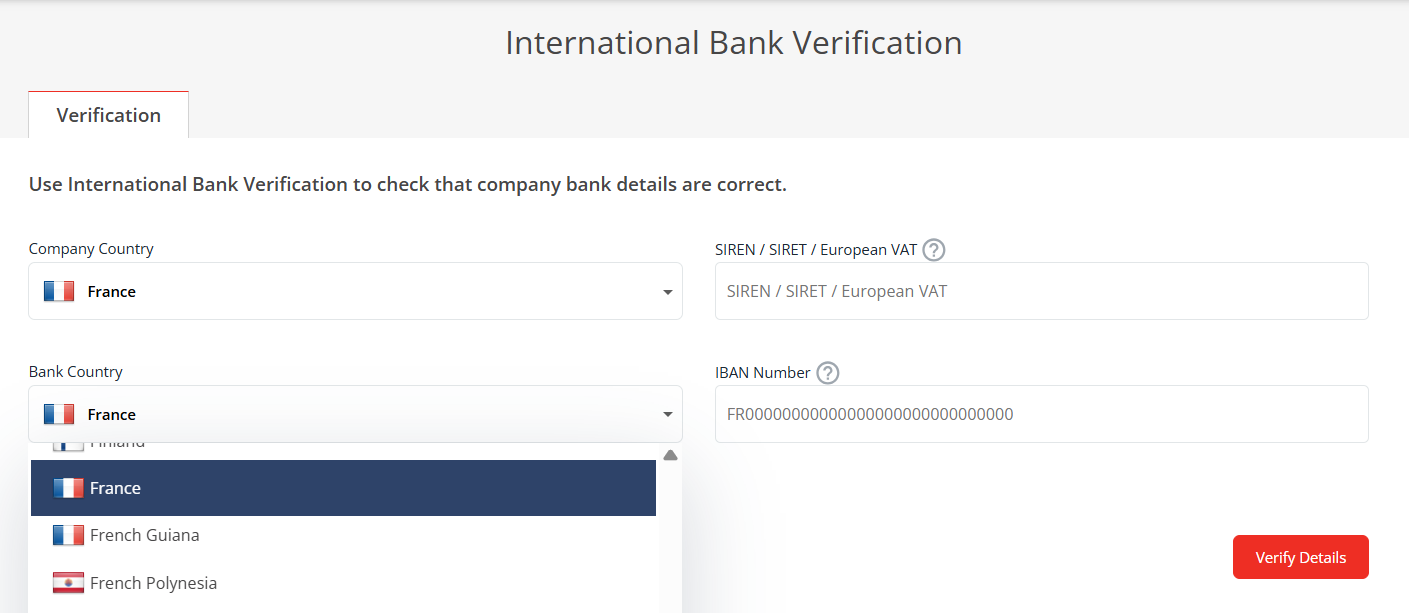
Select the country where the company's bank resides in the Bank Country dropdown menu.
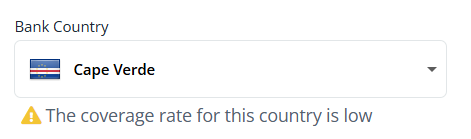
Please note: Coverage levels vary by country. If a country has limited coverage, this will be shown under Bank Country stating "The coverage rate for this country is low". Verification results may be limited, and beneficiary details may not be confirmed.
To find out more about country coverage, view our International Bank Verification Coverage Guide.
Enter the company registration identifier, for example, the SIREN/SIRET/ European VAT for France, EIN number for the USA or USCC / Business Registration Number for China.
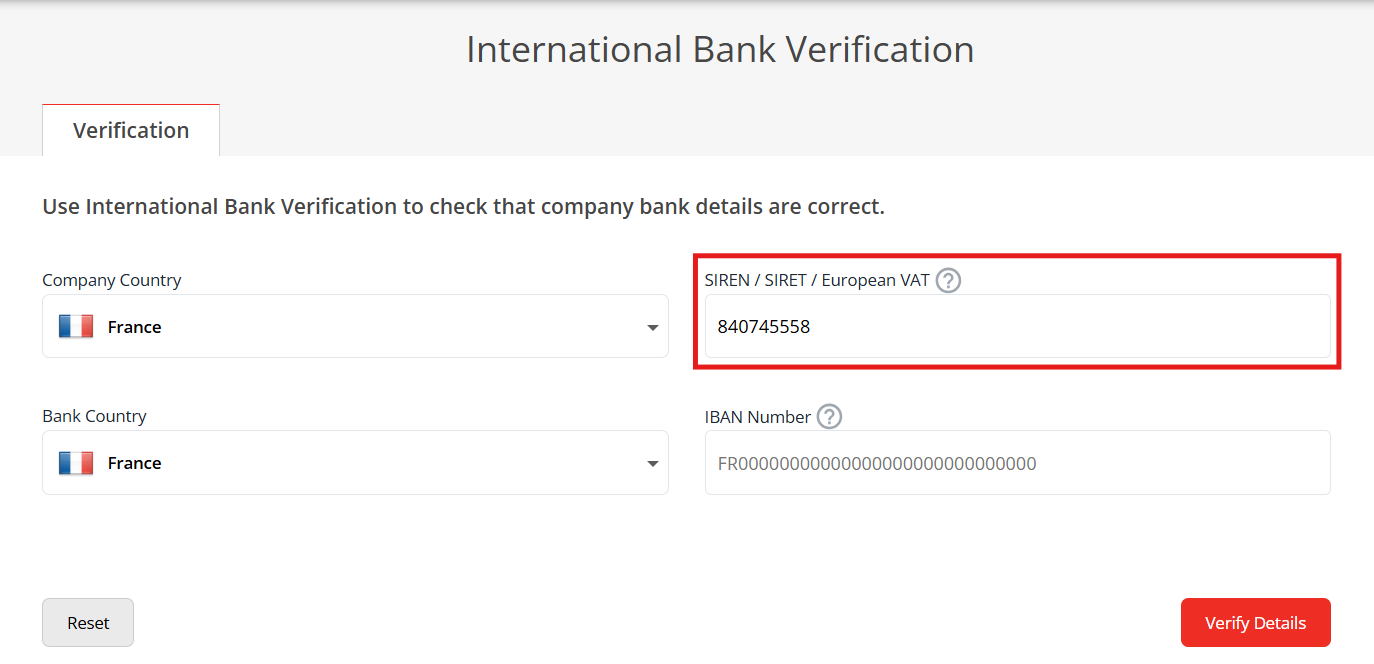
Enter the Account Number in the local format, for example, IBAN Number in France, BBAN and Routing Code or BIC for the USA and China.
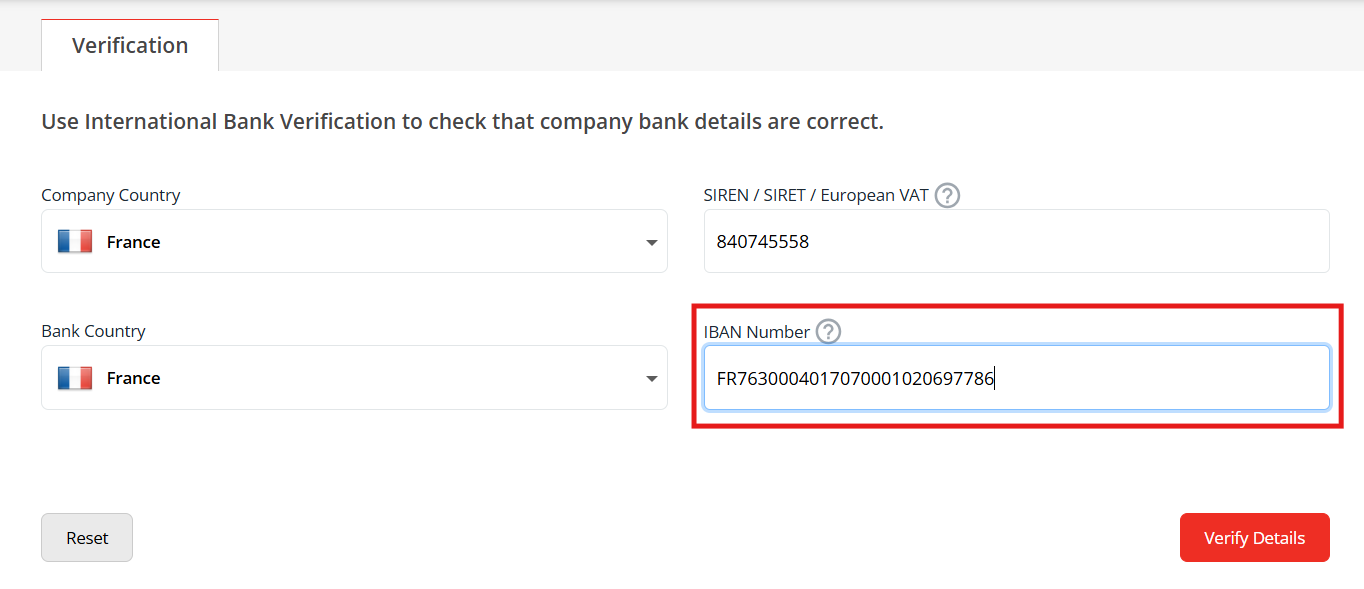
Click on Verify Details.
Results
Once the search has been performed, the results will show below in Verification Result. The potential results of the check are as follows:
GREEN – Match
The bank details you entered are correct and match the information held in our database.AMBER – Additional Checks Required
The bank details you entered could not be verified in our database. This could be due to missing data or a low coverage in this country. Additional due diligence is advised before making a payment.AMBER SEARCHING – Verification in Progress
Additional verification checks are being carried out in the background. Please wait while the verification completes.RED – No Match
The bank details you entered do not match the information held in our database. You should review and correct the details before making any payments.