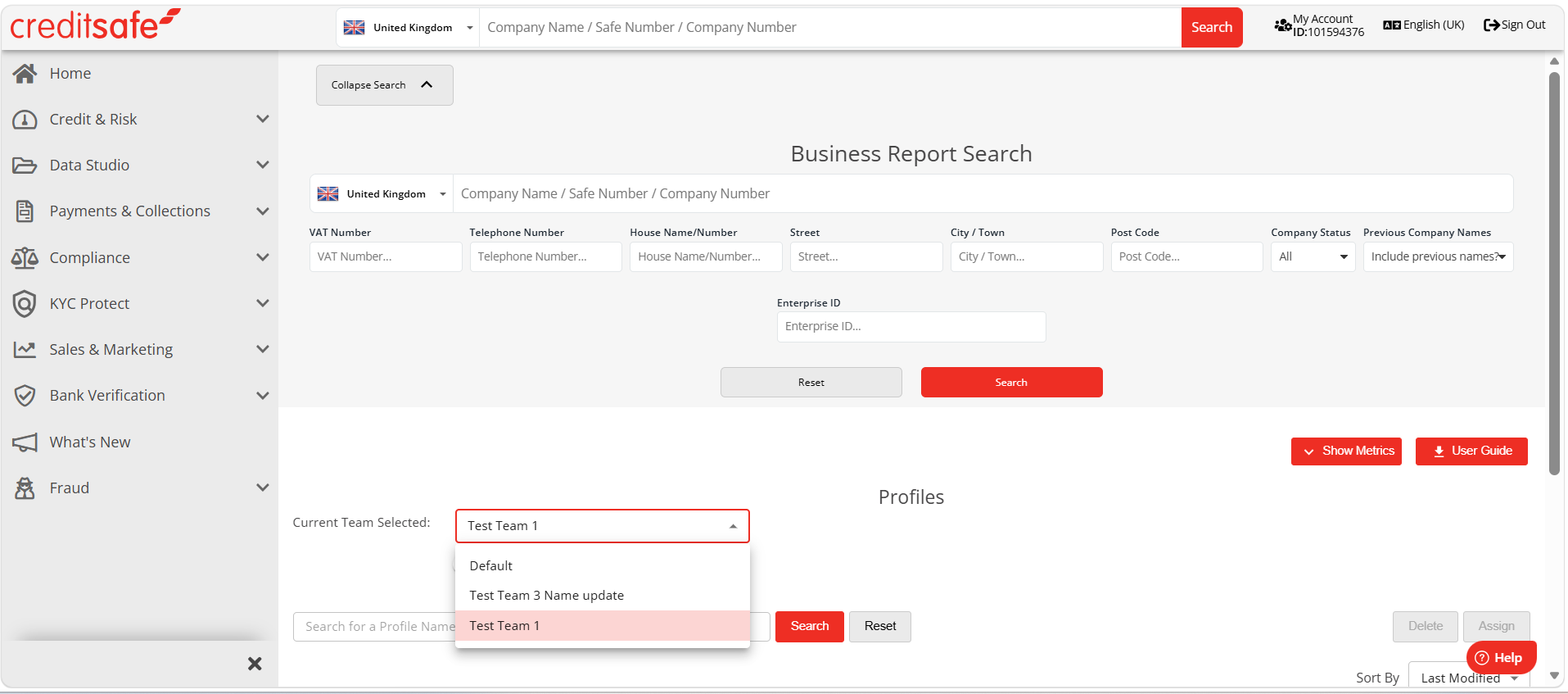
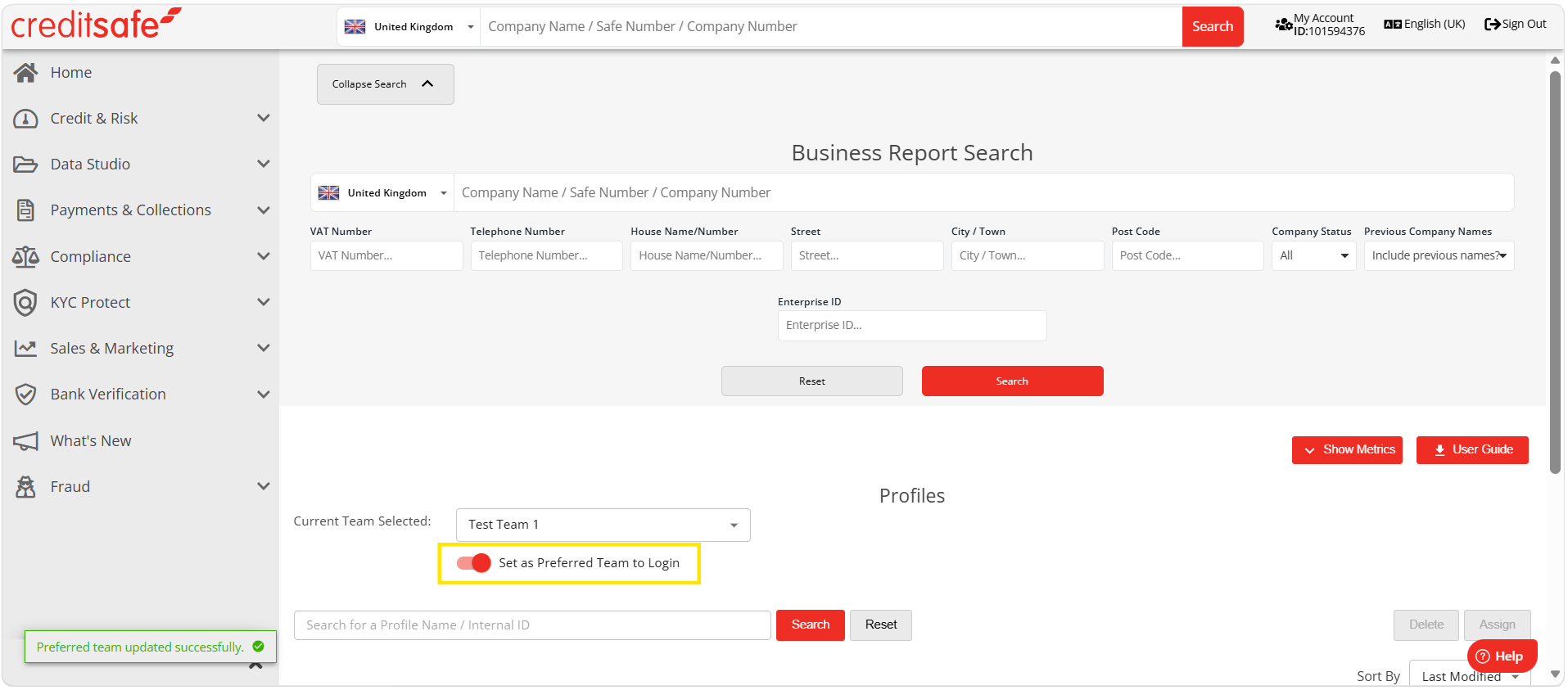
You can switch between Teams in KYC Protect by navigating to the Profiles page and selecting your team in the drop-down. This will switch the team you are working in within the following areas:
- Profiles
- Email Preferences
- Screening
- Batch Uploads
- Audits
- Reports